Wireless access point | Networking Series
You have probably heard it called an AP, a WAP, a booster, an extender, or as Bryan puts it, “that Wi-Fi thingy on the ceiling.” Whatever you have been calling it, here is what it actually is and why it might be the most important piece of your home network that nobody talks about.
The Antenna of Your Home Network
A wireless access point is essentially the antenna of your home network.
Your router is the traffic director. It manages your internet connection, communicates with your ISP, and decides where data goes. But the router was never designed to blanket an entire home with strong wireless coverage on its own. That is where the access point comes in.
The access point takes a strong, wired internet connection, typically coming through your network switch, and broadcasts it as fast, reliable Wi-Fi right where you need it. Every room. Every floor. Every corner of your home that your router alone was never going to reach.
Wi-fi Extender vs Wired Access Point : Two Different Jobs
This is where a lot of homeowners get confused, and it is worth clearing up.
Your router and your wireless access point are not competing with each other. They are doing completely different jobs.
The router manages your network. It connects to your ISP, handles traffic, assigns IP addresses, and keeps everything communicating. It is the brain of the operation.
The access point handles coverage. It takes the signal your router is managing and puts it in the air, in the specific rooms and spaces where your devices actually are.
Think of it this way. Your router gets the internet into your home. Your access point gets it to your couch, your home office, your back bedroom, and your backyard. One cannot do the other’s job well. When they work together, your home just works.
Wireless Access Point vs Network Switch: Built to Work Together
A network switch and a wireless access point are often confused, but they serve very different purposes and honestly they are built to work as a team.
A network switch expands the number of wired connections available on your network. It gives your devices and equipment a direct, dedicated line back to your router.
A wireless access point plugs into that wired network and creates wireless coverage in a specific area.
The switch feeds the access point. The access point feeds your devices wirelessly. When both are in place, you have a home network that has a solid wired foundation with strong wireless coverage built on top of it. Remove either one and the whole system takes a step back.
Wireless Access Point vs Plug-In Extender: This One Matters
Here is the comparison that makes the biggest difference in how your home Wi-Fi actually performs.
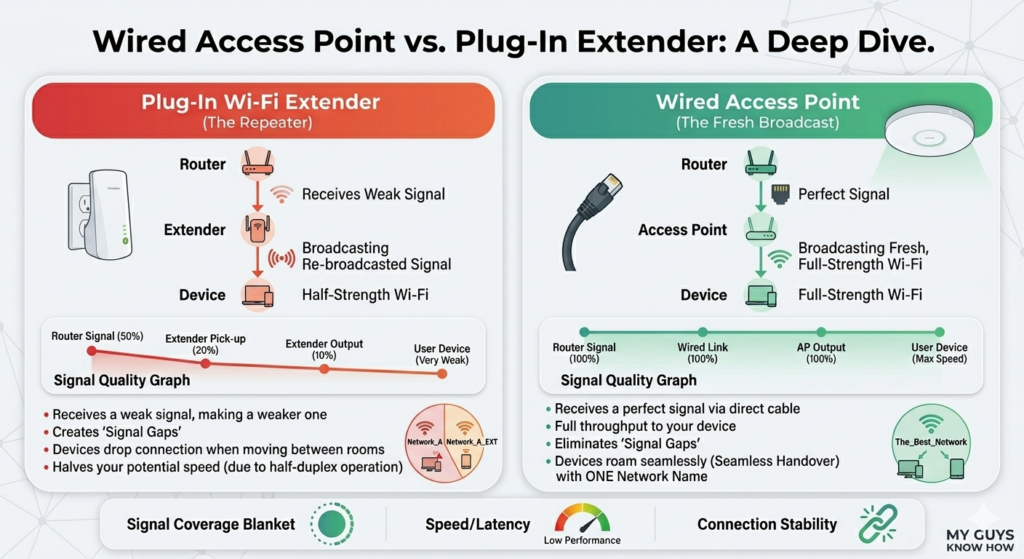
A plug-in extender finds the wireless signal coming from your router and repeats it. The problem is that signal has already traveled through walls and distance to reach the extender. By the time the extender rebroadcasts it, you are working with a fraction of the original strength. Your device then receives a fraction of that. You end up with weak Wi-Fi in a different spot, plus a second network name your devices switch between at the worst possible moment.
A wireless access point does not repeat anything.
It receives a full strength connection through an ethernet cable and creates a completely fresh Wi-Fi signal in that area. Not a copy of a copy. A brand new signal at full strength. That is how you get consistent coverage from one end of the house to the other without dead zones, without devices dropping when you walk between rooms, and without a second network competing for your attention.
It is not louder Wi-Fi. It is properly placed Wi-Fi.
Tips for Getting the Most Out of Your Access Points
Whether you already have access points or are planning to add them, these make a real difference.
Always connect access points through ethernet, not wirelessly. A wireless connection back to the router is just an extender by another name. The wired backhaul is what gives the access point its full strength to broadcast from.
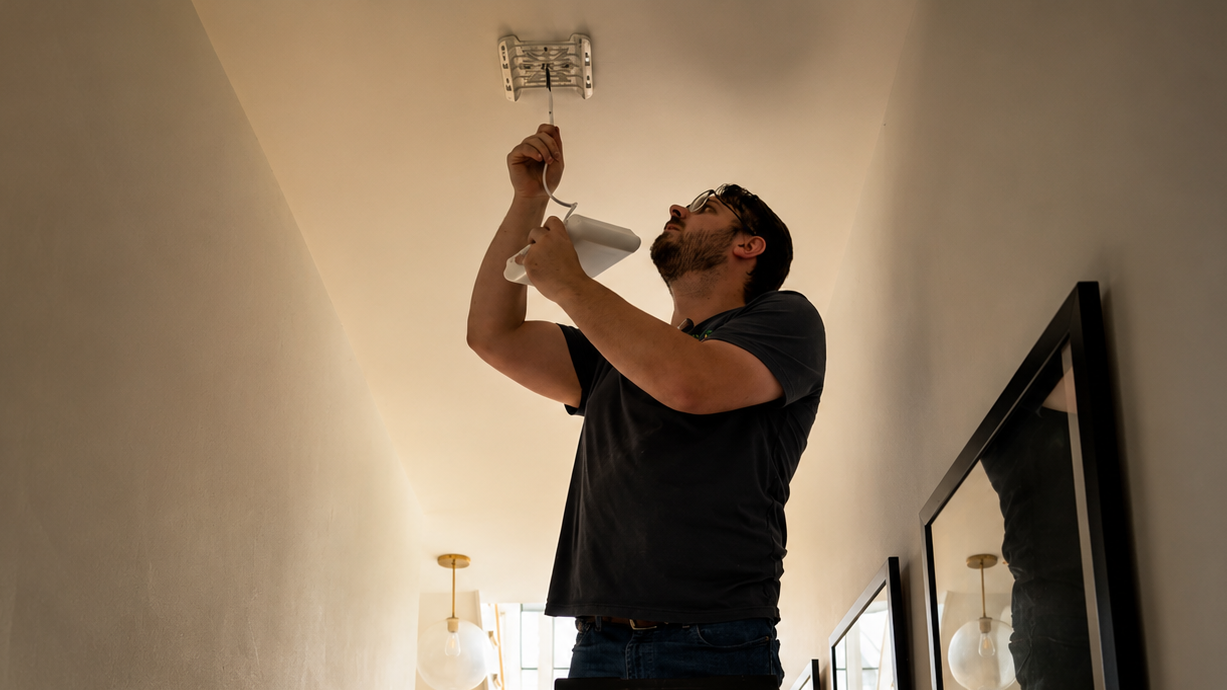
Place access points centrally within the area they are meant to cover. A corner placement limits the coverage zone. Ceiling or high wall placement typically performs better than outlet height.
Use the same network name across all access points. This allows your devices to roam seamlessly through the house without manually switching networks or dropping connection mid-call.
One access point per floor is a solid starting point for most homes. Larger square footage, thick walls, or multi-zone properties may need more. The goal is overlapping coverage zones, not gaps between them.
Pair your access points with a network switch. Access points need wired connections to perform correctly, and a switch is what makes that possible across multiple rooms and floors.
What We Install for Our Clients
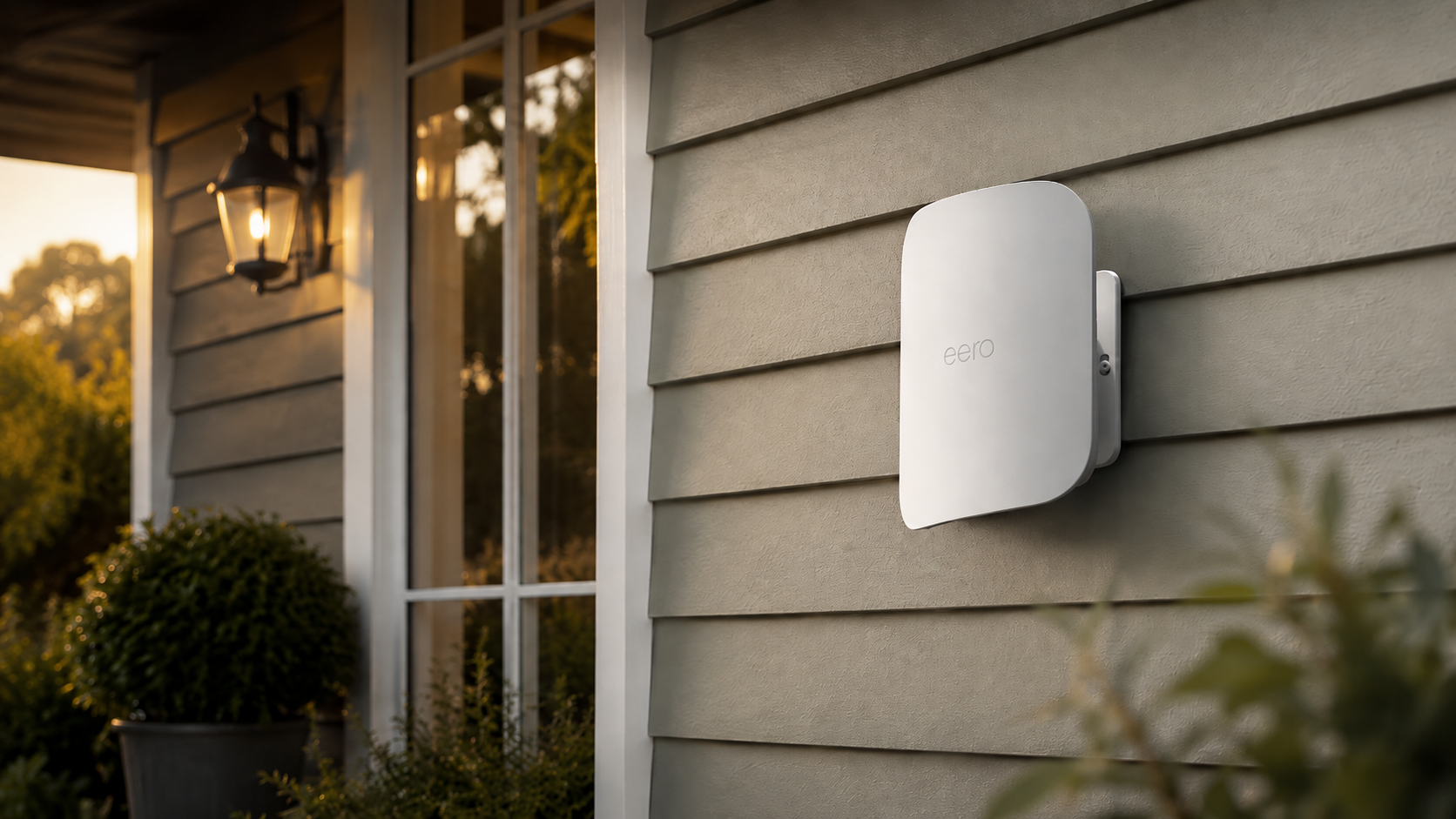
When My Guys Know How sets up a whole home Wi-Fi system for homeowners across the Chicagoland area, we use eero access points for most residential installations. eero is one of the most reliable and user-friendly systems available, and it is built specifically for whole home coverage. Simple to manage from your phone, seamless across every room, and rock solid when it is installed correctly on a proper wired network.
The key word there is correctly. An eero system running on a solid ethernet backbone through a properly placed network switch is a completely different experience than the same hardware plugged in wirelessly and hoped for the best.
The equipment matters. The installation matters more.
The Whole Home Wi-Fi Blanket
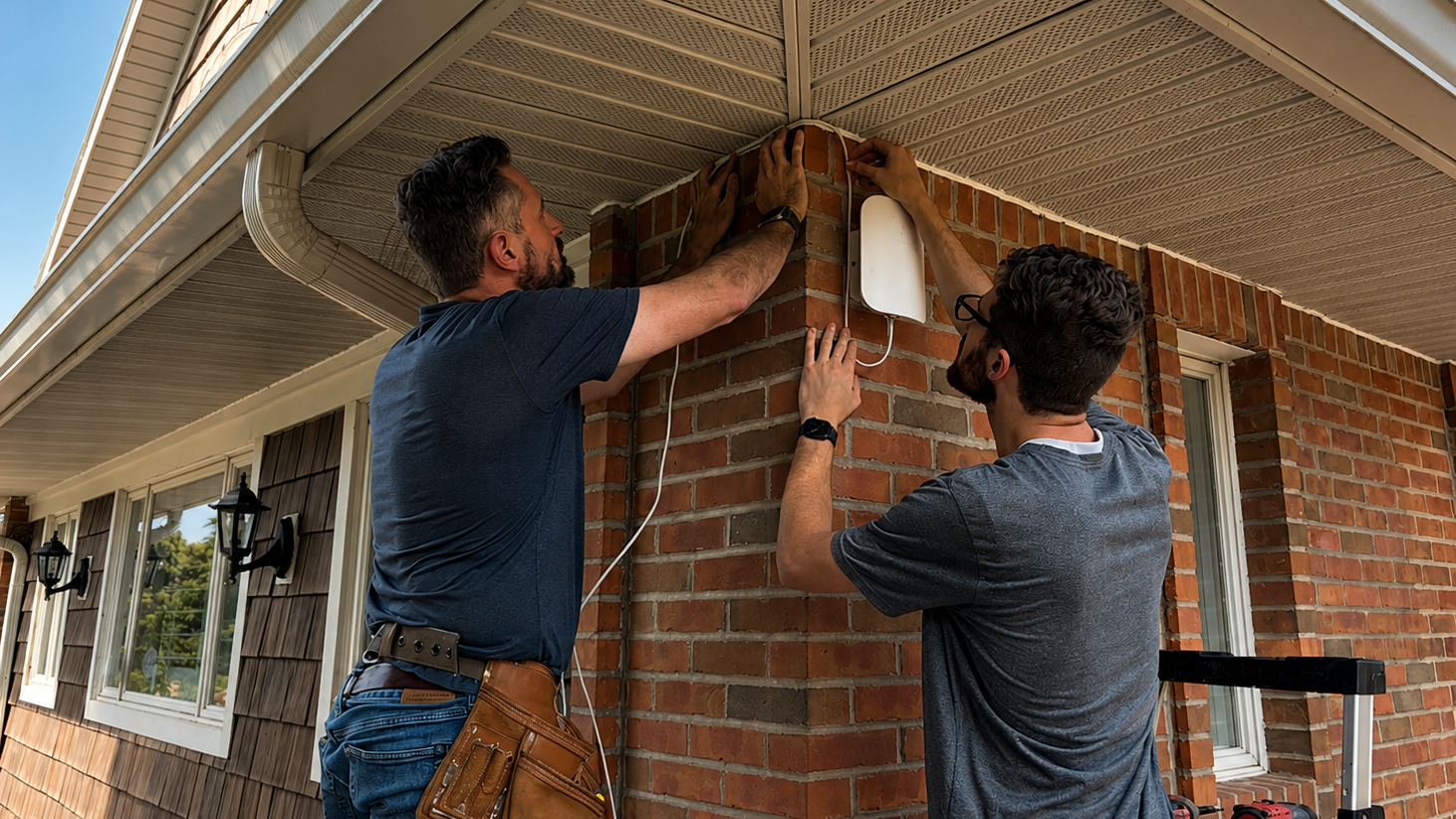
When My Guys Know How sets up a whole home Wi-Fi system for homeowners across the Chicagoland area, we use eero access points for most residential installations. eero is one of the most reliable and user-friendly systems available, and it is built specifically for whole home coverage. Simple to manage from your phone, seamless across every room, and rock solid when it is installed correctly on a proper wired network.
The key word there is correctly. An eero system running on a solid ethernet backbone through a properly placed network switch is a completely different experience than the same hardware plugged in wirelessly and hoped for the best.
The equipment matters. The installation matters more.