

What Is an ISP? Let’s Start There.
ISP stands for Internet Service Provider.
You pay a bill every month for home internet service. The Wi-Fi works. The Netflix loads. Life moves on.
But if someone asked you to explain what’s actually happening between that monthly bill and your phone connecting to the internet, most people would go quiet.
That’s completely fine. You shouldn’t have to think about it. Until something goes wrong.
Until the internet goes down and you’re not sure if it’s your router, your modem, or something completely out of your hands. That’s when understanding the basics actually matters, and knowing what to look for can save you an hour of frustration and an unnecessary service call.
It’s exactly what it sounds like a company that provides you with access to the internet. Think of it like a utility. The same way a power company runs lines to your home and makes electricity accessible, your ISP runs infrastructure to your neighborhood and makes the internet accessible.
Providers like Comcast Xfinity, AT&T, Spectrum, and T-Mobile Home Internet are ISPs.
They’re not the internet itself. They’re the on-ramp to it.
Without an ISP, the internet doesn’t reach your home at all. It exists out there somewhere, but your home has no connection to it. That’s their role get the signal to you.
Once it arrives, though? That’s where your equipment takes over.
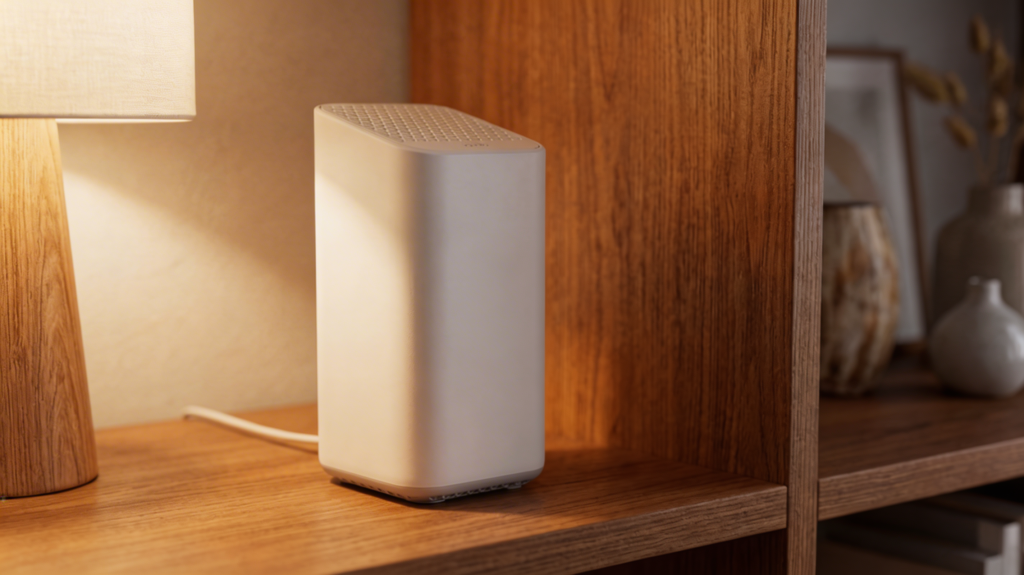
The Box They Send You And What It’s Actually Doing
When you sign up for home internet service, your ISP sends you a piece of equipment. Usually a modem, sometimes a combined modem-router in one unit. Either way, from the day it’s plugged in, you’re paying a monthly rental fee for it.
A lot of people don’t realize they’re renting it. They plug it in and move on, and that fee quietly shows up on their bill every month.
But here’s why that box matters more than most people think.
Your ISP’s network carries a signal into your home — but your phone, your laptop, your smart TV, your thermostat — none of those devices automatically understand what to do with it.
The modem is the translator.
It takes the incoming signal from your ISP and converts it into something your home network can actually recognize and use. Without a modem, the internet reaches your front door and stops. The modem is what lets it in.
So What Does the Router Do?
If the modem lets the internet into your home, the router is what distributes it.
The router takes that wired connection and broadcasts it wirelessly — that’s your Wi-Fi signal. Every device that connects to your home network is actually connecting to your router, which connects to your modem, which connects to your ISP.
The full chain looks like this:
ISP → Modem → Router → Your Devices
Some ISPs bundle the modem and router into one unit. It simplifies setup, but it also means less flexibility, often lower performance, and very little control — especially in larger homes or multi-story layouts where signal coverage becomes a real issue.
What Your ISP Doesn’t Tell You About Their Equipment
Here’s where it gets important.
The modem or gateway your ISP rents you is designed to work. It’s not designed to work well in every home, for every floor plan, for every number of connected devices.
And because you’re renting it — not owning it — you don’t get much choice in what you receive.
A lot of the most common home Wi-Fi complaints trace directly back to this:
- Dead zones in rooms farther from the router
- Slow speeds despite paying for a high-tier internet plan
- Dropped connections during video calls or streaming
- Inconsistent signal between floors or on opposite ends of the house
These aren’t always a sign that your internet plan isn’t fast enough. Often, it comes down to how that signal is being distributed inside your home — and whether the equipment doing that job is actually matched to the space.
A single ISP-provided gateway placed near the front door was never going to cover a 2,500 square foot home evenly. But that’s exactly the setup most households are running without knowing it.

Understanding Your Setup Helps You Troubleshoot Smarter
Knowing how your ISP, modem, and router work together changes how you approach problems when they come up.
When your internet goes down, the first question is: is it the ISP’s network, or is it something inside your home?
Here’s a simple way to think about it:
- Modem lights are solid and normal → The ISP’s signal is coming through. The issue is likely inside your home — your router, your Wi-Fi setup, or a specific device.
- Modem showing an error or no connection → That usually points to the ISP’s side. Time to call them or check their outage map for your area.
That one distinction alone can save you from restarting your router fifteen times when the problem has nothing to do with it.
For homeowners across the Chicagoland area — from the western suburbs out through Aurora, Naperville, and beyond — ISP reliability can vary significantly depending on the provider and infrastructure in your neighborhood. Knowing what’s in your control versus what isn’t gives you a real advantage.
The Rental Fee Worth Taking a Second Look At
If you’ve been renting equipment from your ISP for two or three years, there’s a good chance you’ve already paid enough to own something significantly better.
ISP rental fees typically run anywhere from $10 to $20 per month, depending on the provider. Over two years, that’s up to $480 — for equipment you’ll never own, that you can’t customize, and that may not be the right fit for your home.
Owning your own compatible modem and pairing it with the right mesh Wi-Fi system or wireless router can eliminate that monthly fee, improve your signal coverage, and give you far more control over your home network setup.
It’s one of those changes that most people wish they’d made sooner.

Your Internet Gets to the Door. What Happens Next Is on Your Setup.
Your ISP does their job when the signal reaches your home.
Everything after that how well it moves through your space, how many devices it handles at once, how consistent it feels room to room, that’s determined by the equipment and the setup inside your home.
Most people never question the box their ISP sent them.
But that box is doing a lot of the work. And when it’s not the right fit for your home, you feel it every day without knowing exactly why.
If your home internet feels slow in certain spots, drops at the wrong moments, or just never quite performs the way you’d expect for what you’re paying the answer might not be your plan.
It might be what’s happening on your side of the connection.
Not Sure If Your Home Network Is Set Up the Way It Should Be?
That’s exactly what we help with.
At My Guys Know How, we look at your actual space, your current equipment, and how you’re using the internet — and we tell you straight up what’s working and what isn’t. No unnecessary upsells. No confusing tech talk. Just honest answers and the right fix for your home.