
WiFi isn’t broken in most homes.
It’s just not designed for how people actually use their homes today.
If your internet works well in one area but drops off in another, you don’t necessarily need a faster plan. What you likely need is better coverage.
The good news?
Improving and extending your WiFi coverage is extremely achievable when it’s done correctly.
Let’s walk through what actually works.
Start With the Simplest Fix: Router Placement
Before adding equipment, the first question is simple:
Where is your modem/router located?
In smaller homes or properties under roughly 2,000–2,500 square feet, coverage issues are often caused by poor placement.
Most internet service providers install the modem wherever the line enters the home. That location is convenient for them, but rarely ideal for coverage.
If possible, placing your modem in a centralized location can dramatically improve performance.
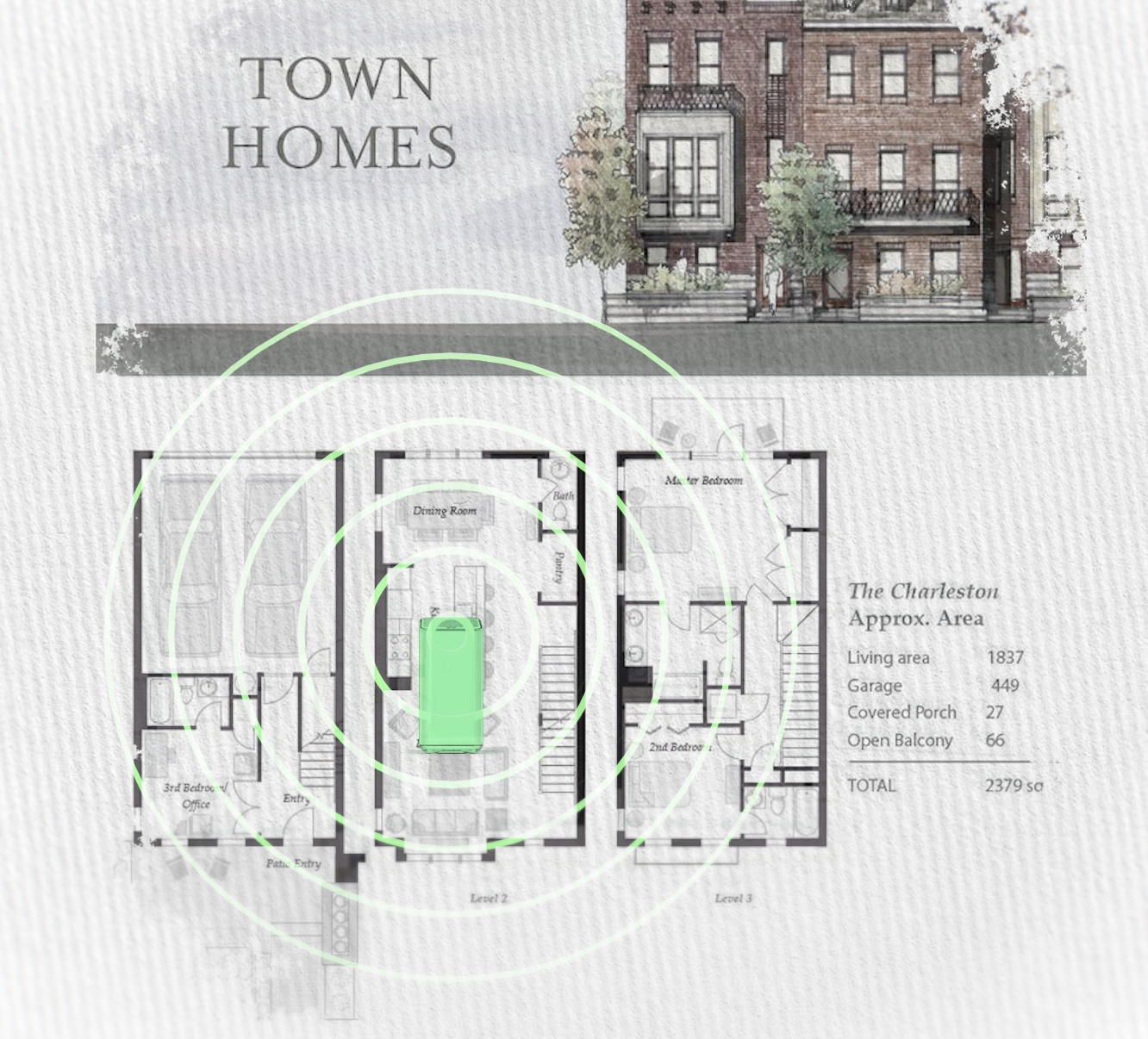
WiFi radiates outward like light from a bulb.
If the source is stuck in a basement corner or utility room, large areas of the home are already at a disadvantage.
For smaller properties, centralizing the router can sometimes solve the problem entirely.
But larger homes are a different story.
When One Router Isn’t Enough
As homes grow larger, smarter, and more connected, a single router simply cannot provide consistent coverage everywhere.
WiFi signal weakens as it travels.
Add obstacles like:
- Brick
- Concrete
- Plaster
- TileMetal ductwork
- Appliances
- Plumbing
- Multiple floors
…and the signal fades even faster.
The solution isn’t louder WiFi.
It’s better distribution.
Extending WiFi the Right Way: Strategic Access Points
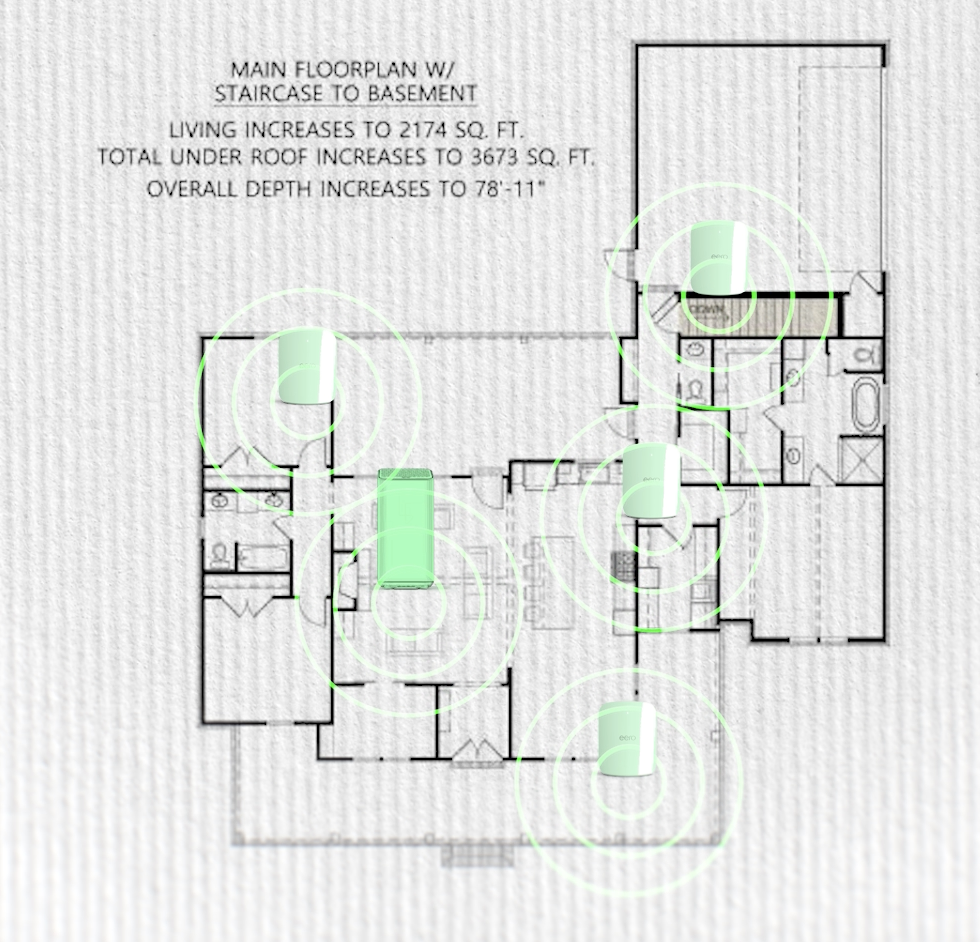
To properly extend WiFi coverage in medium to large homes, we install multiple access points throughout the property.
But here’s something most people don’t realize:
Too many access points can cause problems.
Too few will leave dead zones.
Proper placement is critical.
Access points should be strategically located to evenly distribute signal across the home — not randomly placed wherever there’s an outlet.
The goal isn’t “more WiFi.”
The goal is consistent WiFi everywhere.
Wired vs. Wireless: What Actually Delivers Full Speeds
There are two main ways to connect access points:
- Wirelessly (mesh hopping)
- Wired (Ethernet backhaul)
Wireless mesh systems can help extend coverage. But each wireless “hop” reduces performance. Signal gets retransmitted from one device to another, which means speed and stability can decrease.
The gold standard is a wired solution.
When access points are hardwired using existing Ethernet cabling in the home — or when new network wiring is installed — each access point receives full speed directly from your internet service provider.
That means:
- Strong signal in every room
- Stable Zoom and FaceTime calls
- Smooth streaming and gaming
- Reliable smart home performance
- No dead zones
In many homes, existing network or even old phone wiring can be repurposed to connect access points without opening walls.
When wiring is available, performance improves dramatically.
Our Recommended Solution
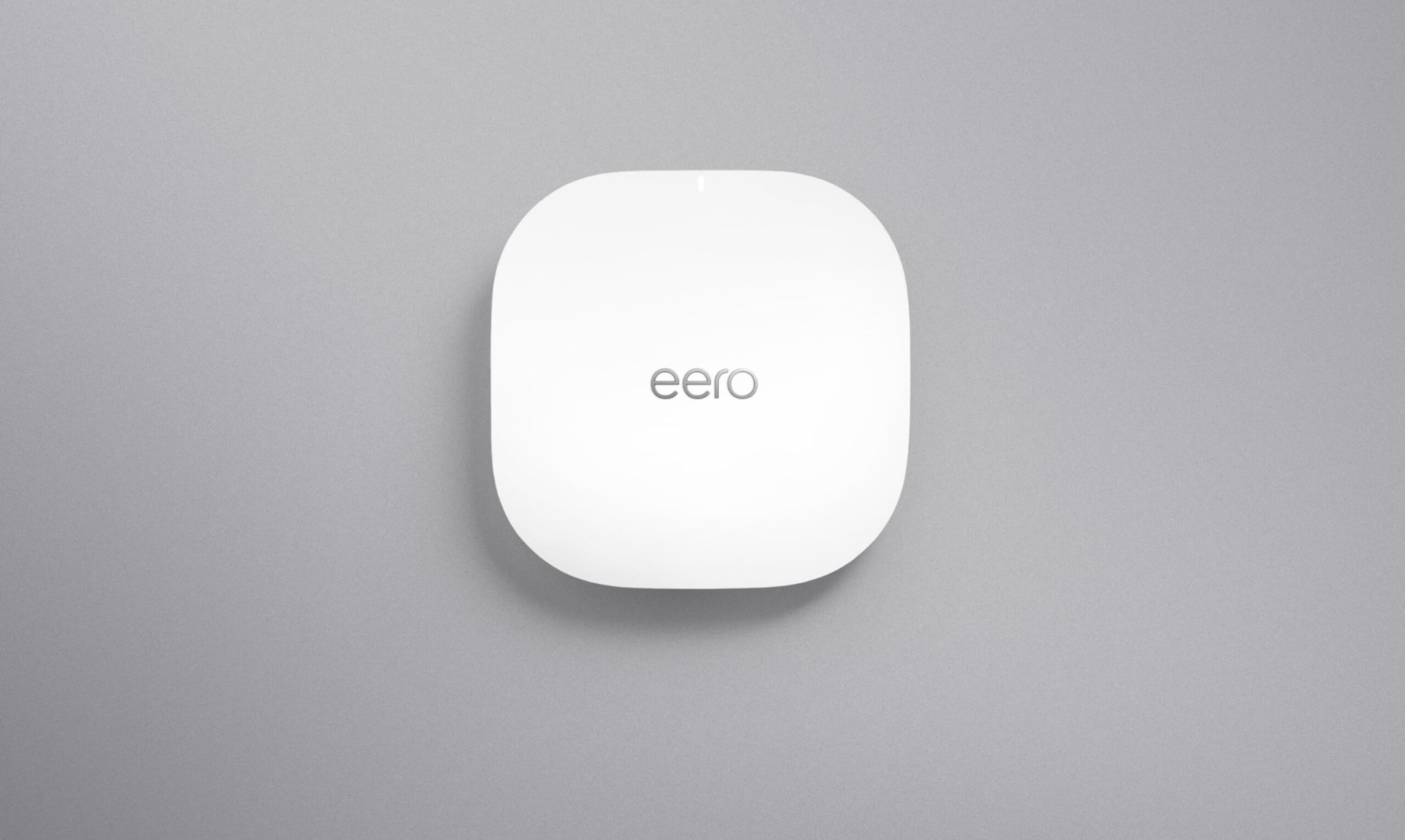
At My Guys Know How, we commonly install professional-grade access points like the Eero PoE 6 system.
This allows us to:
- Mount access points cleanly
- Power them through Ethernet
- Deliver consistent, high-speed WiFi
- Design the network around how you actually live
You can view the product here.
When properly installed and wired, systems like this eliminate the guesswork and create reliable coverage throughout the entire property.
What Improving WiFi Coverage Really Means
If you want to improve or extend your WiFi coverage, here’s what actually matters:
- Centralized placement (for smaller homes)
- Strategic access point placement
- Proper quantity (not too many, not too few)
- Wired connections whenever possible
- Designing the network around the home layout
WiFi isn’t magic.
It’s infrastructure.
When treated like infrastructure instead of a gadget, coverage becomes predictable, reliable, and consistent.
And your home just works the way it should.
The Takeaway
If your WiFi drops in certain rooms, struggles on upper floors, or can’t keep up with your smart home:
You likely don’t need faster internet.
You need better distribution.
When WiFi is designed correctly, dead zones disappear.
And that’s exactly what we help homeowners do every day.
Ready to improve or extend your WiFi coverage the right way?
Contact My Guys Know How today to schedule a professional network assessment and experience the difference of a properly designed system.
Visit: https://myguysknowhow.com
Or call us to get started.