
You’re paying for gigabit internet while the back bedroom gets dial-up speeds and the patio might as well be in a different zip code. Sound familiar? If you’ve ever asked yourself what is the best whole home wifi system for a large house, you’re not alone, and the answer isn’t as simple as grabbing whatever has the most antennas on Amazon. The mesh Wi-Fi market is drowning in specs, acronyms, and marketing claims that make it hard to know which system will actually cover your 4,000-square-foot home versus which one just looks good in a YouTube review filmed in a studio apartment.
This guide cuts through the noise. We’re comparing the top whole-home mesh systems for large houses using real coverage data and independent lab results, breaking down which Wi-Fi generation is worth the premium for your situation, and giving you a placement checklist that makes a measurable difference. It’s the same evaluation framework professional smart home installers use when walking a large home before recommending a single piece of hardware, and it’s the same one the team at My Guys Know How applies on every job.
What is the best whole home wifi system for a large house? Start here.
Before we get into specific products, it helps to understand why large homes are a different problem entirely. Coverage area, building materials, floor count, and device density all shape which system will actually perform in your specific home. The best mesh Wi-Fi for a large house isn’t necessarily the most expensive one, it’s the one matched to your square footage, construction type, and the devices running on it. The sections below walk through each of those variables in order.
Mesh systems vs. extenders vs. access points: what’s the real difference?
Why Wi-Fi extenders create more problems than they solve
A Wi-Fi extender is essentially a game of telephone: the signal gets rebroadcast from one device to the next, and it gets quieter with every handoff. Most extenders also cut your throughput significantly because they use the same radio to receive and retransmit signal simultaneously. On top of that, many traditional extenders broadcast a separate network name, which means your laptop can stay locked onto a weak extender signal rather than switching to the main router sitting 30 feet away. This “sticky client” behavior is common with extenders, though it varies depending on the device’s roaming algorithms. For a large home, extenders are a band-aid that usually makes the underlying problem worse.
How mesh systems solve the roaming problem
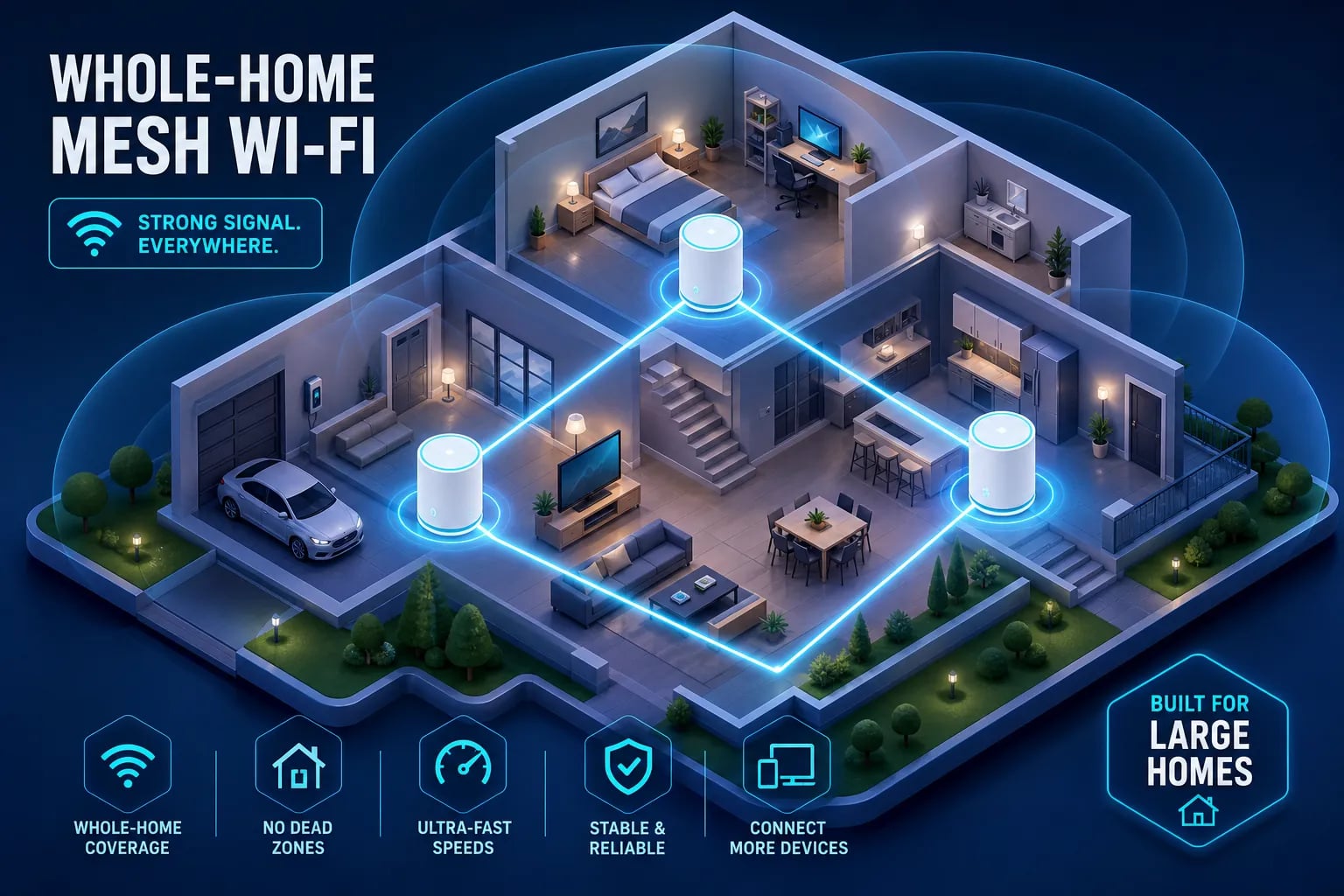
A mesh system runs all nodes under a single SSID and handles device handoffs automatically. Tri-band mesh kits typically use a dedicated wireless backhaul channel for node-to-node communication, keeping that traffic separate from the devices in your home. Your phone doesn’t know or care which node it’s connected to. It just works. A well-placed 3-node mesh kit routinely covers 3,000 to 5,000 square feet without a dead zone, and the better systems use 802.11k and 802.11v protocols to actively push devices toward the strongest node rather than waiting for them to let go on their own.
Access point systems: when mesh isn’t the ceiling
Systems like Ubiquiti UniFi can outperform consumer mesh in the right hands. They offer more granular control, better performance under heavy load, and a higher ceiling on customization. The catch is that they require a separate router, a managed switch, and someone who knows what they’re doing during setup. For most large-home buyers, a well-configured premium mesh system is the smarter call. Access points win on control and raw performance; mesh wins on ease, cost, and the fact that you won’t spend a weekend on the Ubiquiti forums.
Wi-Fi 6, 6E, and 7 decoded: which standard actually matters for your home?
The real-world speed gap between Wi-Fi generations
Tom’s Hardware lab testing has put Wi-Fi 6E routers at roughly 1.6 to 1.7 Gbps on the 6 GHz band, while the fastest Wi-Fi 7 routers have cleared 3.0 Gbps at close range. Wi-Fi 7 gets there through three main upgrades: 320 MHz channels (double the width of Wi-Fi 6E), 4096-QAM encoding (which squeezes more data into each transmission), and Multi-Link Operation, or MLO, which lets devices connect to multiple bands simultaneously. In a large house, walls and distance shrink that gap fast, so the spec sheet numbers are a ceiling, not a guarantee. Long-range home Wi-Fi performance is almost always more dependent on node placement and backhaul quality than the generation printed on the box.
Device compatibility: the factor that determines your real-world winner
Wi-Fi 7 is backward compatible with older devices, but its biggest performance gains require Wi-Fi 7 clients. If your household is running a mix of three-year-old phones, tablets, and laptops that still have a sticker on the keyboard, a Wi-Fi 6E mesh system will likely perform just as well in daily use for significantly less money. Here’s a simple way to think about it:
- Wi-Fi 6, best for budget-conscious buyers with mixed or older devices
- Wi-Fi 6E, right for modern device households that want congestion relief without paying a premium
- Wi-Fi 7, worth it if you have multi-gig internet service or you’re building a network that needs to stay relevant for the next several years
Best mesh systems for large homes: budget, midrange, and premium picks
Budget tier: solid whole-home coverage without the premium price
The TP-Link Deco X55 and Deco BE23 are the consistent recommendations for homes in the 3,000 to 4,500 square foot range at the budget end. Both offer app-based setup, adequate tri-band coverage, and reliable node communication, typically priced between $150 and $250 for a 3-pack (approximate retail, 2026). Where they fall short, however, is backhaul throughput and advanced configuration options. If your home has a straightforward layout, drywall construction, and a household that doesn’t stress-test the network with simultaneous 4K streams and video calls on a dozen devices, the budget tier gets the job done.
Midrange: the sweet spot for most large houses over 3,000 sq ft
This is where most buyers looking for the best mesh Wi-Fi for a large house should focus their search. The TP-Link Deco BE63 covers up to 7,600 square feet with Wi-Fi 7, and RTINGS has ranked it among their top mesh picks for 2026, though RTINGS rankings are updated regularly, so it’s worth a quick check before you buy. The TP-Link Deco XE75 offers similar coverage at 7,200 square feet with Wi-Fi 6E at a lower price point.
Google Nest Wifi Pro handles up to 6,600 square feet and integrates cleanly into Apple or Google households. The NETGEAR Orbi 770 sits at the top of this tier and is widely cited as a strong performer for large homes with demanding users. Midrange 3-packs typically run $250 to $500 (approximate retail, 2026), which is a reasonable investment for a network that actually performs.
Premium tier: for 5,000+ sq ft homes and maximum performance
The NETGEAR Orbi 970 leads the premium category with manufacturer-claimed coverage of 10,000 square feet for a 3-pack, and the Orbi 870 follows at 9,000 square feet. The ASUS ZenWiFi BQ16 Pro covers up to 8,000 square feet in a 2-pack. eero Pro 7 rounds out at 6,000 square feet with notably clean roaming behavior. Premium systems are built for very large homes, concrete construction, or households running many connected devices simultaneously, think dense smart home setups or heavy multi-user streaming environments. Expect to pay $500 to $1,500 or more for a 3-pack at this tier (approximate retail, 2026).
Ethernet backhaul: the upgrade most buyers overlook
Which top mesh systems support wired node connections
Most of the major mesh families support wired backhaul: NETGEAR Orbi (including 10G Ethernet on the 970 series), TP-Link Deco, ASUS AiMesh, Linksys Velop, Google Nest, and eero on models with Ethernet ports. The eero Beacon is a notable exception, as some bundles exclude wired backhaul entirely. Before you buy, check whether the specific kit you’re considering supports Ethernet backhaul on all nodes, especially if you have structured wiring already in place.
The real performance difference between wired and wireless backhaul
RTINGS testing confirms what the math already suggests: wired backhaul delivers significantly better speed and consistency than wireless backhaul in every scenario they tested. Wireless backhaul shares spectrum with client traffic, so the mesh radio is doing two jobs at once. A wired link frees the mesh radios to focus entirely on the devices in your home. In practical terms, a satellite node running on wireless backhaul might deliver 200 to 400 Mbps, while wired backhaul on a gigabit Ethernet connection can push that to 850 Mbps or better, figures that align with RTINGS lab results across multiple mesh models. If you have Ethernet runs in your home or can add them, wired backhaul is the single highest-impact upgrade you can make to a mesh system.
Node placement and configuration for multi-story homes
The placement rules that actually move the needle
One node per floor, or roughly one per 1,000 to 1,500 square feet, is the practical starting point for most homes. The main router belongs on the middle floor, placed centrally, elevated, and out of cabinets. Stagger satellites vertically so each floor has a clear line-of-sight path to the next node. In concrete block or brick construction, tighten that spacing considerably: each wall can knock 15 to 30 dB off the signal, which is the difference between a solid backhaul link and a struggling one. Metal appliances and thick concrete walls are the two biggest offenders, so route around them where possible. Use your system’s app signal strength tool to verify placement before you call it done.
Channel planning, roaming features, and the firmware update you’re skipping
On 2.4 GHz, stick to non-overlapping channels: 1, 6, and 11. Assign different 5 GHz channels to nodes in close proximity to reduce interference. If your system supports 802.11k and 802.11v, enable them, these protocols actively tell devices to switch to a stronger node rather than waiting for the connection to drop on its own. That’s exactly the roaming behavior that makes a mesh feel seamless. Finally, keep firmware current on all nodes. This short configuration session typically takes under an hour and makes a measurable difference in real-world performance.
What a professional installation actually changes for a large home
Why placement guesswork costs you more than you think
Most homeowners place nodes where they fit, not where signal geometry says they should go. That single decision costs coverage, throughput, and roaming consistency across the entire network. Building materials, floor plan geometry, interference sources, and the specific behavior of the mesh system being installed all factor into where a node should actually live. Guessing based on a marketing coverage map designed around ideal conditions usually means leaving significant performance on the table.
How My Guys Know How handles whole-home coverage from the start
My Guys Know How does a full home layout assessment before recommending a single piece of hardware. The right system for a 3,200 square foot single-story home with drywall construction is not the same system that belongs in a 5,500 square foot multi-story home with concrete block walls and a detached garage. The team handles hardware selection, optimal node placement, wired backhaul where it’s available, and full configuration, so the network performs the way the spec sheet promises in your actual home, not a lab environment. Already have a system that isn’t pulling its weight? They handle that too.
The short version before you buy
Choose your Wi-Fi generation based on your device mix, not the highest number on the box. Pick your tier based on your actual square footage and budget: budget for straightforward drywall homes under 4,500 square feet, midrange for most large houses, premium for 5,000-plus square feet or device-dense environments. Prioritize Ethernet backhaul if you have the wiring or can add it. Verify placement with your app before assuming your system is underperforming.
Choosing the best whole-home Wi-Fi system for a large house is only half the equation. Getting placement and configuration right is what separates a network that technically works from one that feels invisible and effortless, in every room, on every floor, and yes, even out on the back patio. The hardware matters. Everything that happens after unboxing it matters just as much.
If you’d rather skip the trial and error entirely, the team at My Guys Know How is worth a call. They’ve been helping homeowners across Indiana, Michigan, and Illinois get whole-home coverage right the first time, and they’re pretty good at making your network the last thing you think about instead of the first.
FAQ: choosing the best whole home wifi system for a large house
What is the best whole home wifi system for a large house?
For most large homes, a midrange tri-band mesh system in the Wi-Fi 6E or Wi-Fi 7 category, such as the TP-Link Deco BE63, NETGEAR Orbi 770, or Google Nest Wifi Pro, covers 3,000 to 7,000+ square feet reliably. The right pick depends on your square footage, building materials, and device count. Homes over 5,000 square feet or with concrete construction should look at premium options like the NETGEAR Orbi 970.
How many mesh nodes do I need for a large house?
A useful starting point is one node per floor or one per 1,000 to 1,500 square feet. Dense construction materials like concrete block or brick require tighter spacing. Most 3-node kits handle 4,500 to 7,000 square feet in standard drywall construction.
Is wired backhaul worth it for a home mesh system?
If you have Ethernet runs in your home or can add them, yes, wired backhaul is the highest-impact upgrade available for a mesh system. It frees up the wireless radios to focus entirely on client devices rather than splitting duty between backhaul and users, which translates directly to faster speeds and more consistent performance throughout the home.
What’s the difference between Wi-Fi 6, 6E, and Wi-Fi 7 for a large house?
Wi-Fi 6 is a capable standard for budget buyers with older devices. Wi-Fi 6E adds a less congested 6 GHz band, which helps in device-dense homes. Wi-Fi 7 delivers the highest throughput and introduces Multi-Link Operation, but its biggest gains require compatible client devices. For most large homes in 2026, Wi-Fi 6E or Wi-Fi 7 hits the right balance of performance and value.